Outdoor Equipment Maintenance: Building a Practical Schedule
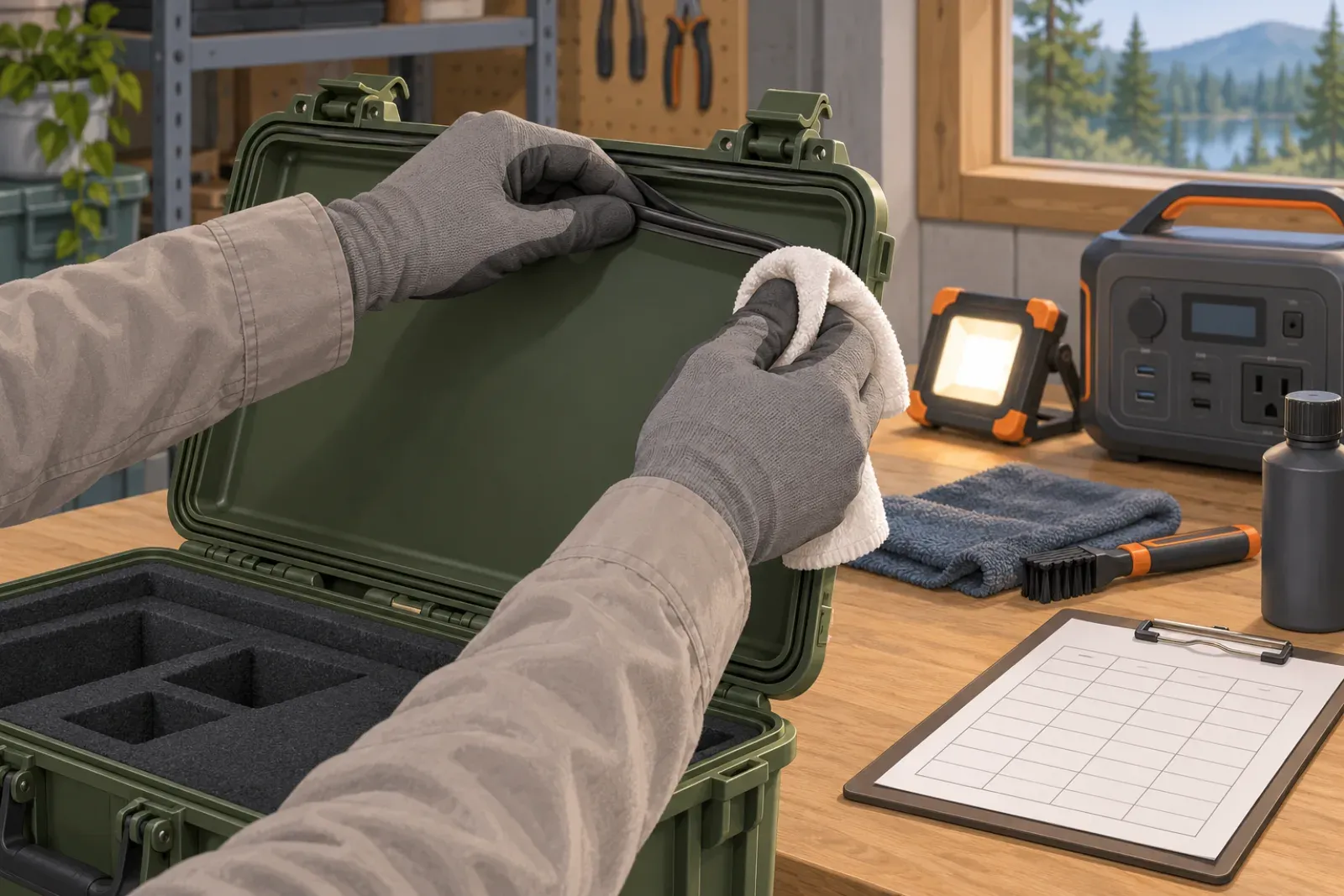
Maintenance plans usually fail in one of two ways. Either they borrow a generic interval from the internet, or they exist only in someone’s head. This guide builds a plan from the documents that are authoritative for your equipment: the manuals for your exact models. It belongs with the other procurement and upkeep material in the Buying & Maintenance hub.
We do not publish maintenance intervals here. SavvySkull is a publication, not a manufacturer, and no interval is valid across models. Where this guide shows example rows, they are labeled illustrative and point to “per manual, section” instead of a number.
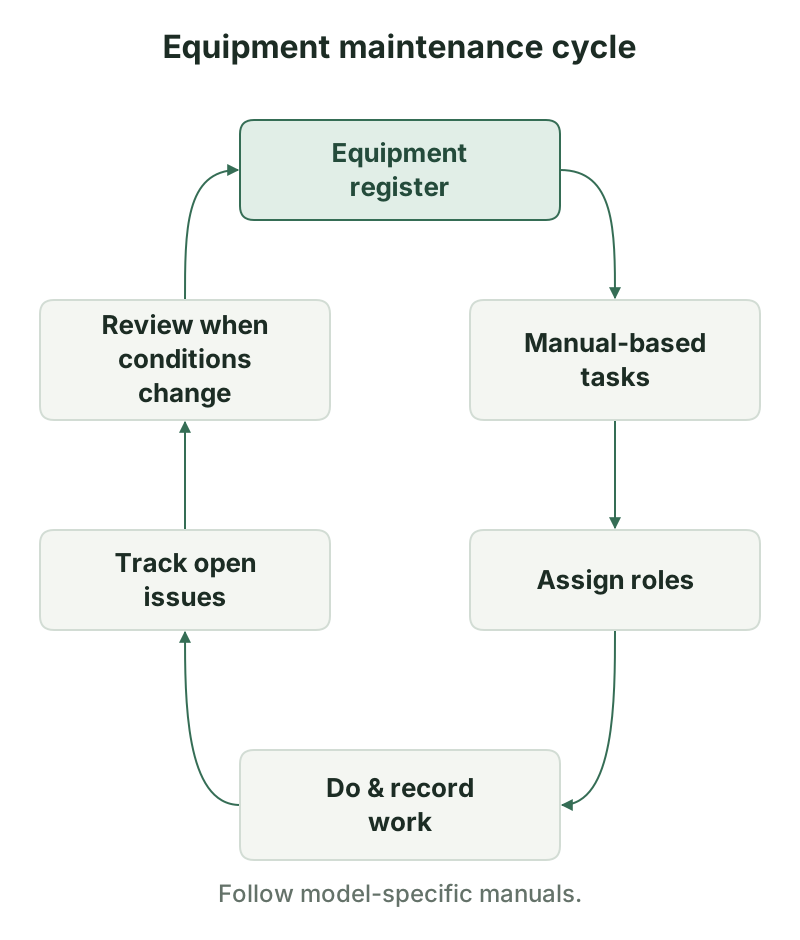
Start with the equipment register
You cannot schedule what you have not listed. Build a register with one row per asset and keep it separate from the task list, so a change in one place updates both.
| Field | Why it matters |
|---|---|
| Asset ID | Your own unique tag, applied to the item |
| Model and variant | Selects the right manual and parts |
| Serial number | Ties records and warranty to one unit |
| Location | Tells the performer where to find it |
| Manual version | A newer manual may change tasks |
| Owner | The person accountable for the asset |
Include accessories that wear or fail separately, such as batteries, chargers, cases and lenses, either as their own rows or as linked rows. If you also keep supplier test reports, store their references with the same asset ID, as described in the guide on checking a supplier’s test report.
Collect model-specific maintenance instructions
For each model, collect the user manual, service manual or maintenance section and any manufacturer bulletin. Record the manual title, revision or date, and the section numbers for care, cleaning, storage and inspection. Then copy tasks from the manual into your plan instead of paraphrasing from memory.
A few rules keep this honest:
- Cite the source. Every task row has a manual and section reference.
- Do not fill gaps with guesses. If the manual has no interval, mark it “not stated” and decide whether to ask the supplier.
- Do not borrow across models. A task for one case or light does not transfer to another that looks similar.
- Keep warranty in view. Manufacturers may state conditions for service and parts. Follow the manual rather than improvising.
When supplier documentation is missing, outdated or ambiguous, request it in writing and keep the answer with the register. How to judge a document you receive, including test reports, is covered in the guide on verifying supplier evidence.
Trigger types
Once you have the tasks, choose what causes each one to be due. Most plans need four types:
| Trigger | Meaning | Source of the value |
|---|---|---|
| Calendar | Due on a date or after a time period | Manual, or your policy where the manual is silent |
| Usage hours | Due after operating time or cycles | Manual, read from a counter or log |
| Condition | Due when an inspection finds a defined state | Manual criteria for wear or damage |
| Event | Due after something happens | Manual, plus your site rules |
Event triggers deserve their own list. Common ones are after a storm, after immersion or heavy spray, after transport or a drop, and before and after long storage. The manual may state what to do after such an event, and where it does not, define an inspection and a decision rule yourself, labeled as your policy rather than the manufacturer’s.
Task types
Group tasks so a performer can work through one asset in order:
- Inspection: visual checks for cracks, loose fittings, corrosion, damaged cables and missing parts
- Cleaning: methods and agents allowed by the manual, since some cleaners damage seals or coatings
- Seals and latches: check gaskets, closing hardware and any pressure-relief device according to the manual. The guide on choosing a waterproof equipment case explains what these parts do and what to look for.
- Lenses and housings: check windows, covers and mounting points on lights and instruments. See the guide to portable work lights for the parts that matter on a light.
- Battery storage and charging: follow the manual for storage conditions, charging and handling. Do not open, modify or rewire battery packs. The guide to sizing a portable power station covers how capacity is described, and it is the manual that sets care instructions.
- Firmware and software: record the current version, and update only through the manufacturer’s procedure
- Functional checks: run the device through the functions it must perform, and note results
Not every task applies to every asset. A light has lenses, a case has latches, a power station has batteries. Leave a task off when the manual does not call for it.
Assign tasks and responsible roles
A task without a name attached does not get done. Use three roles, which may be the same person on a small team:
| Role | Does |
|---|---|
| Responsible | Owns that the task is scheduled and completed |
| Performer | Carries out the task |
| Approver | Reviews the record and accepts completion |
Put the responsible person in the plan row. Record the performer and approver when the work is done. For tasks that need qualifications, such as electrical work or anything the manual restricts to authorized service, state that in the row and route it to the right person or provider. If a task is hazardous, follow the manual and your site’s safety procedures rather than this guide.
Record work and unresolved issues
A plan is only as good as its records. For each completed task, capture:
- Date and asset ID
- What was done, and the manual section followed
- Who performed it and who approved it
- Readings or observations, such as “latch closes fully” or “gasket cracked”
- Result: complete, complete with issue, or not done
Unresolved issues need a separate place so they do not disappear into notes. Record the issue, the date found, the person responsible for deciding, the action taken and the status. If equipment is unsafe to use until repaired, tag it out of service in line with your site rules and note that in the register. Repeat issues across several assets of the same model are worth passing to the supplier.
Decide up front where records live: a shared spreadsheet, a maintenance system or a binder in the equipment room. The template column “Record location” points to it. Keep one location per asset so a reader can find the history in one place.
Maintenance plan template
The illustrative rows below show how the columns work. They are examples only. “Per manual, section” is a placeholder: replace it with the real manual and section, and take any trigger value from that manual.
| Asset ID | Task | Source (manual, section) | Trigger | Responsible | Record location |
|---|---|---|---|---|---|
| ILLUSTRATIVE-001 | Inspect case gasket and latches | Per manual, section (case manual) | Event: after immersion or storm | Site lead | Per site records system |
| ILLUSTRATIVE-002 | Clean lens and check housing | Per manual, section (light manual) | Condition: per manual criteria | Equipment owner | Per site records system |
| ILLUSTRATIVE-003 | Battery storage check | Per manual, section (power station manual) | Calendar: per manual, section | Maintenance coordinator | Per site records system |
| ILLUSTRATIVE-004 | Firmware version check | Per manual, section (device manual) | Calendar: per manual, section | Equipment owner | Per site records system |
The downloadable CSV adds the register columns (equipment, model, serial, location, manual version), the trigger value, last done, next due and open issues, with ten blank rows. It is also listed on the Checklists & Templates page.
Review the schedule when conditions change
Review the plan at set points, and also when something changes. Triggers for a review include:
- New equipment, a model replacement, or a firmware or manual update
- A change in site conditions, such as new climate exposure, dust, salt or longer deployments
- Repeated failures or the same open issue appearing on several assets
- A change in who performs the work
- A supplier notice or recall
At review, check that each manual reference is current, remove retired assets, update next-due dates and confirm that open issues have an owner. Keep a short note of what changed and why, so a later reader understands the plan’s history.
Conditions and limits
This guide describes a planning method. It is not a maintenance standard and does not state intervals, repair instructions or safety approvals for any product. Follow the manufacturer’s manual, your site’s safety procedures and applicable regulations. Where you have no records yet, start with the blank template and fill it as work is done, rather than back-filling dates you cannot support.
Downloads
- Outdoor equipment maintenance plan template (CSV) CSV Blank rows; fill the task, source and trigger columns from your own manuals.
Next steps

How to Check an Equipment Supplier’s Test Report
How to check a supplier's equipment test report: document type, issuer, model and sample match, scope, conclusions, accreditation, plus a downloadable record.